• FEATURES
    • GIG PERFORMER FEATURES
    • COMPARISON CHART
  • DOWNLOADS
    • DOWNLOAD GIG PERFORMER
    • ADDITIONAL DOWNLOADS
  • STORE
    • BUY GIG PERFORMER
    • MERCHANDISE
  • SUPPORT
    • SUPPORT HOME
    • DOCUMENTATION
    • GETTING STARTED
      • Getting started with Gig Performer
      • Getting started with Gig Performer Essentials
    • USER COMMUNITY
    • FAQ
    • ARTICLES
    • KNOWLEDGE BASE
    • VIDEOS
      • Backstage with Gig Performer
      • User Videos
      • Video Tips & Tutorials
    • RELEASE NOTES
      • Gig Performer Release Notes
      • Gig Performer Essentials Release Notes
  • PARTNERS
  • COMMUNITY
  • ABOUT
    • ABOUT US
    • NEWS
    • TESTIMONIALS
    • TRIBUTE TO NEBOJSA DJOGO
How to create two Gig Performer instances with a single-client ASIO Driver on Windows

How to create two Gig Performer instances with a single-client ASIO Driver on Windows

by David | Jan 24, 2018 | Gig Performer Blog, Knowledge Base Articles, MS Windows

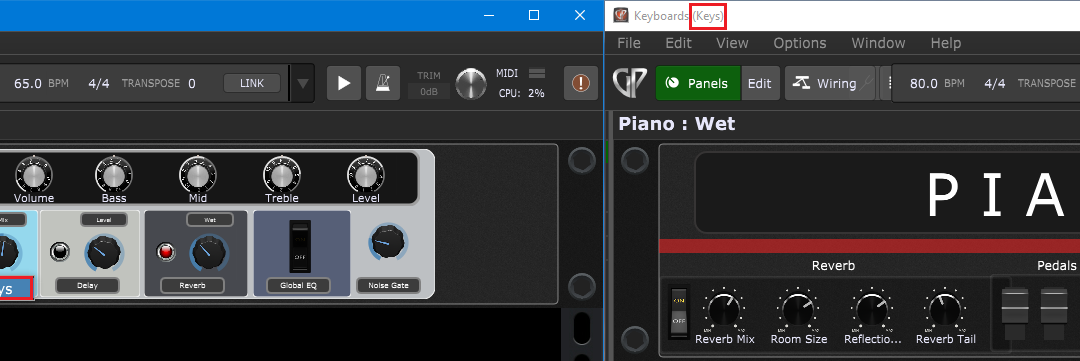
In this article, you will learn how to create two Gig Performer instances with a single-client ASIO Driver on Windows.. Background .Gig Performer has built-in support for multiple instances. Creating a second Gig Performer instance is easy. Just select File ->...

Try Gig Performer® For Free

Gig Performer Logo
  • Follow
  • Follow
  • Follow
  • Follow
  • Follow

Gig Performer® and Own The Stage®
are Registered Trademarks of
Deskew Technologies DE, LLC

u00a92017-2025 Deskew Technologies DE, LLC

We use cookies to ensure that we give you the best experience on our website. If you continue to use this site we will assume that you are happy with it.