Gig Performer Blog

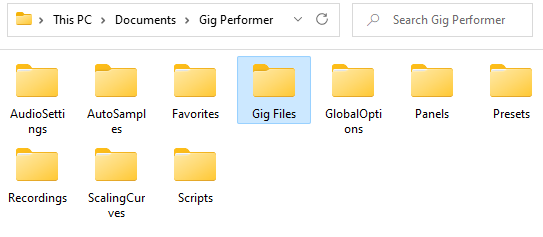
Gig Files folder in Gig Performer content folder on Windows

Gig Performer Maintenance: Save, Export and Backup

In this blog article you will learn how to save and export various elements in Gig Performer, load and import them, and create a backup of your important files and the whole computer. The term “element” may refer to your panel, rackspace, song, widget…

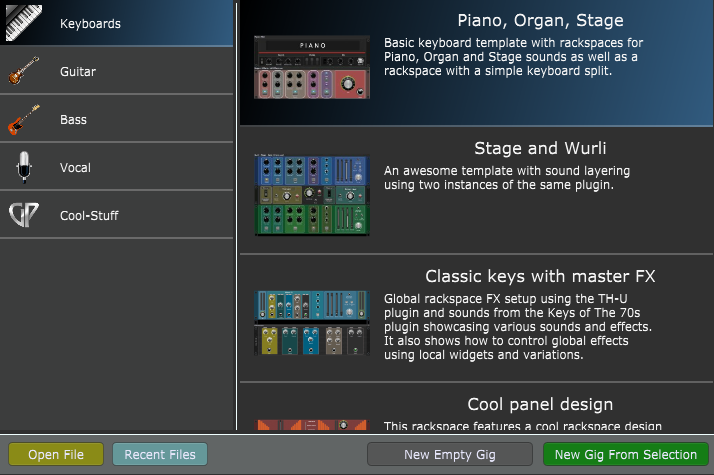
Gig Performer built-in templates, keyboards tab

Getting started with Gig Performer

If you are trialing Gig Performer or you have just purchased it, this blog article is intended to provide you with various resources to get started.

Upgrade from Gig Performer 3 to Gig Performer 4

Still on Gig Performer 3? Key reasons to upgrade

We still see Gig Performer 3 and even Gig Performer 2 users contacting us through our support channels. Most of them are looking for the upgrade options. In this article we want to share with you key reasons to upgrade to Gig Performer 4, answer frequently asked…

Cross-platform usage and moving from one platform to another

Cross-platform usage and moving from one platform to another

Gig Performer is an audio plugin host for live performance available for both Windows and macOS. In this article you will learn about cross-platform usage and some considerations when you are migrating from Windows to macOS or vice-versa. Gig Performer supports VST…

Separate your sustain pedal from your controller

Separate your sustain pedal from your controller

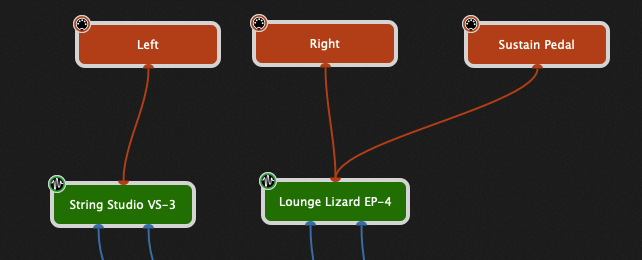
Although most MIDI controllers and many workstations have the ability to split their keyboards, when you’re using Gig Performer, the best practice is to use multiple MIDI In blocks as described in this blog article and to just leave your physical controller on a…

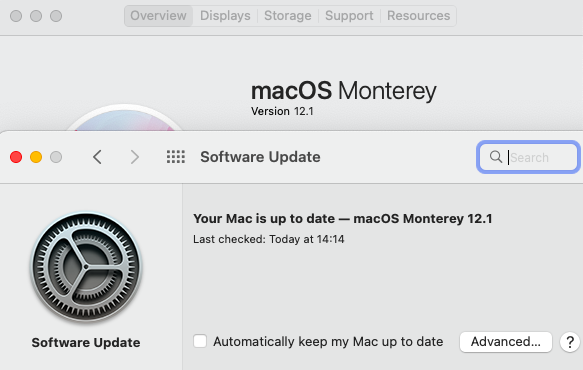
Optimization of macOS Monterey for live performance

Tips to troubleshoot your computer-based setup

If you are experiencing issues with your computer-based setup, this article will help you to troubleshoot it. The goal of every performing musician is to have a glitch-free and reliable setup for their gigs. If things start to go awry, don’t worry – we…

Enter full screen mode in Gig Performer, audio plugin host (AU, VST3 and VST host) for live performance

How to make various elements of Gig Performer bigger

In this article you will learn how to make various elements of Gig Performer bigger and making them suitable for smaller displays, touch screen devices or simply tweaking options to better match your preferences. The first two tips that will be presented are…

Alexander (tripleB) home rig with Gig Performer and OnSong

How to use OnSong with Gig Performer [guest article]

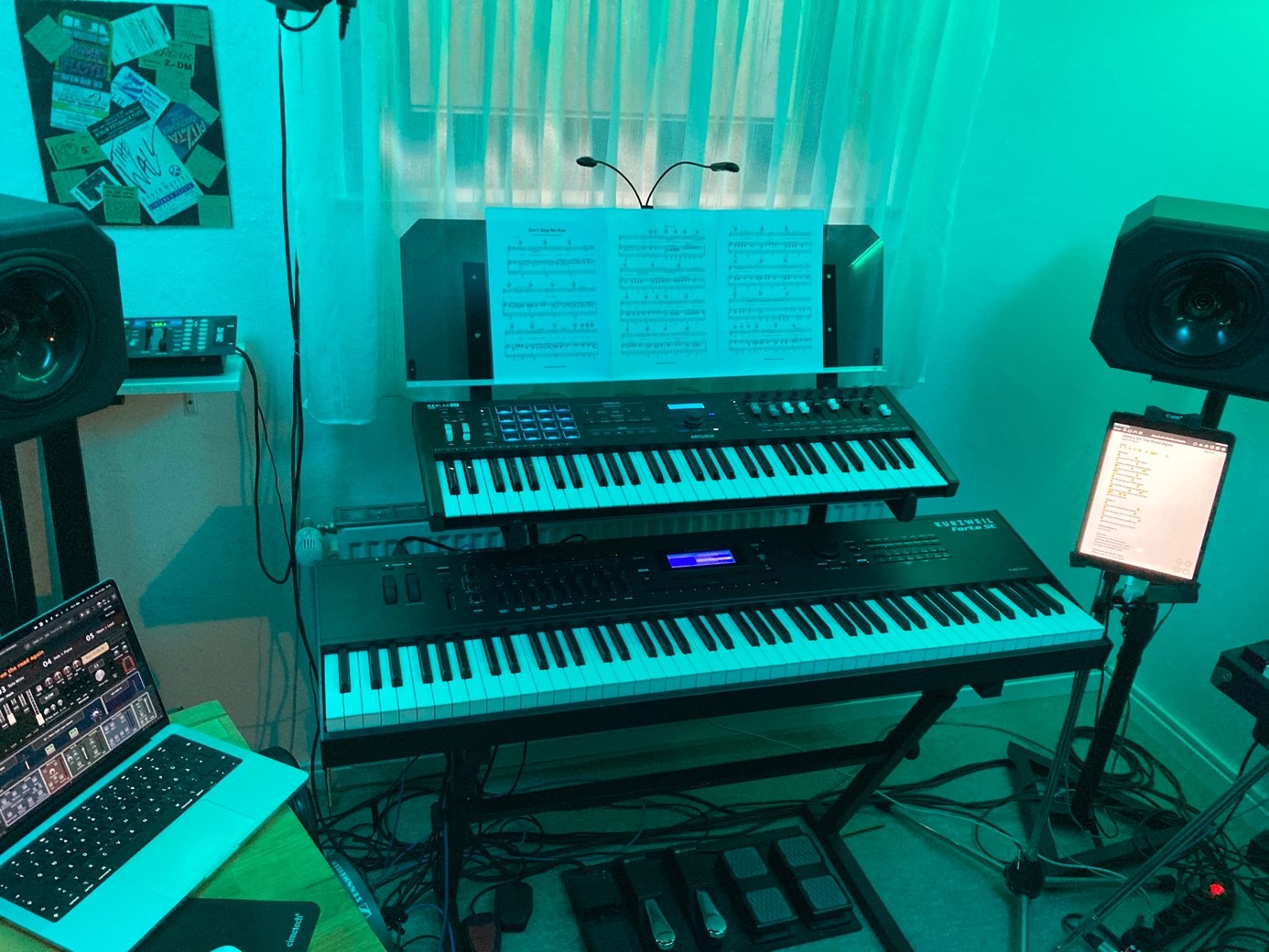
In this guest article written by Alexander (@tripleB) you will learn how to use OnSong with Gig Performer. Intro . As we have seen in another blog, it’s easy to add a SetList / Songbook app to Gig Performer. This article describes the usage of OnSong on an iPad…

StreamDeck application and StreamDeck device side by side

What are extensions in Gig Performer and how to use them

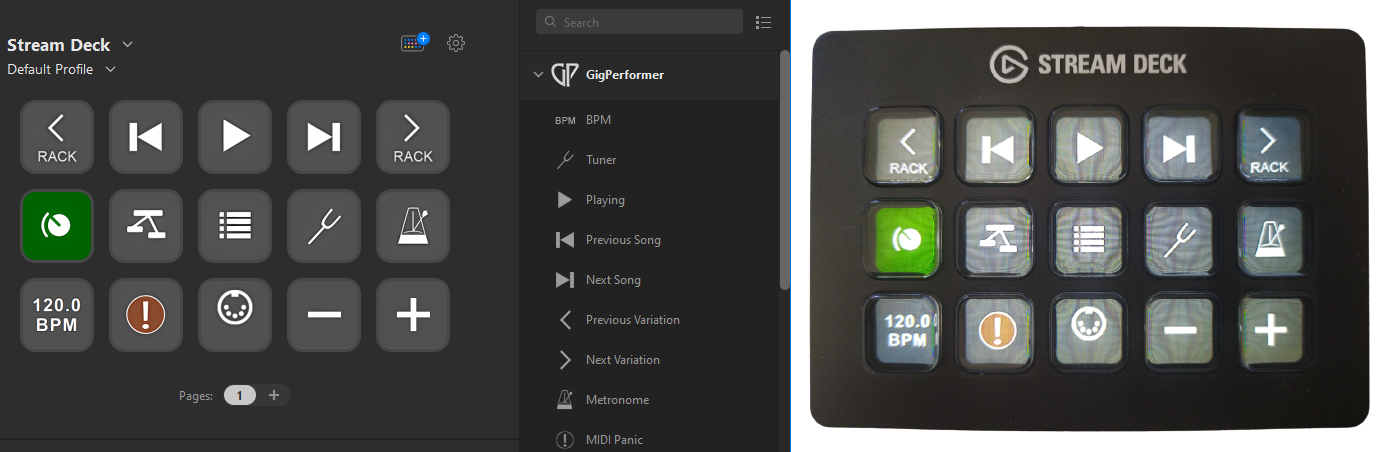
In this article you will learn what are extensions in Gig Performer and how to use them. What are extensions and the SDK? . Extensions are basically libraries (.dll files on Windows and .dylib files on macOS) independently developed that Gig Performer can load to…